
Loading ticker...
Loading…
@TheOddsGap
Your members post slips like normal. TOG Bot grades every one and keeps everyone's record.
See the DemoIn the slip channel, the same way they do now. TOG Bot reads screenshots of slips, plays posted through Winible, and a capper's own typed plays in their own channel.
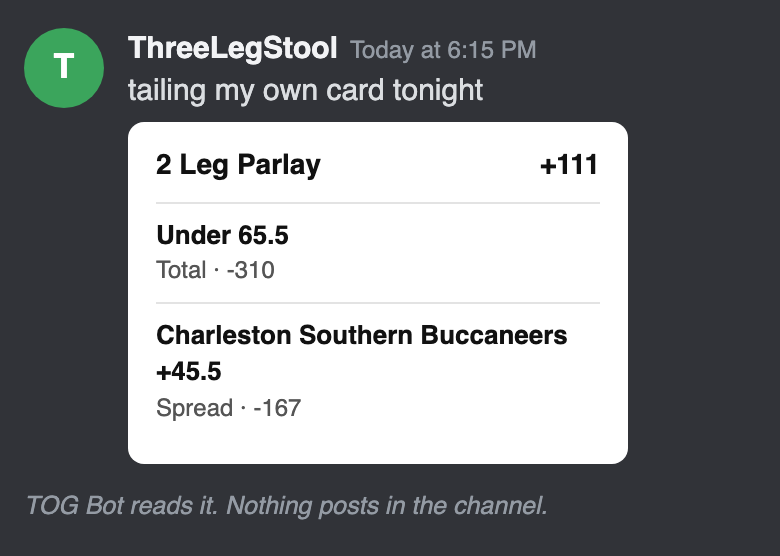
Nothing posts in the channel: no replies, threads, buttons or notices. A clear slip is recorded with no tap from anyone. One it can't read for sure waits in the owner's review queue.
Within an hour of the last game finishing, from the final scores. Nobody marks wins and losses by hand.
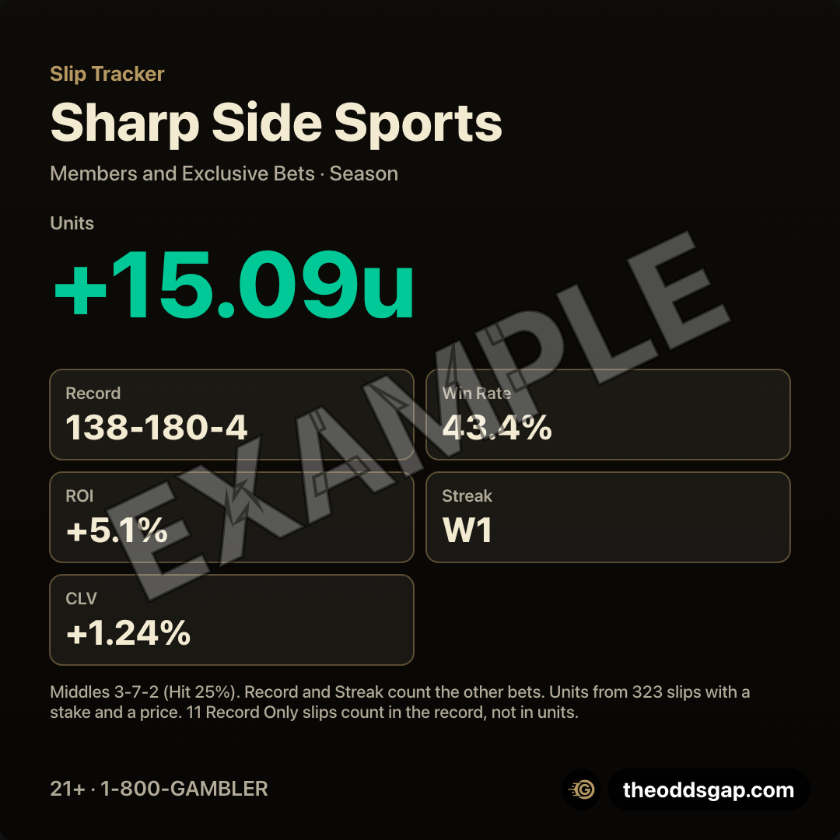
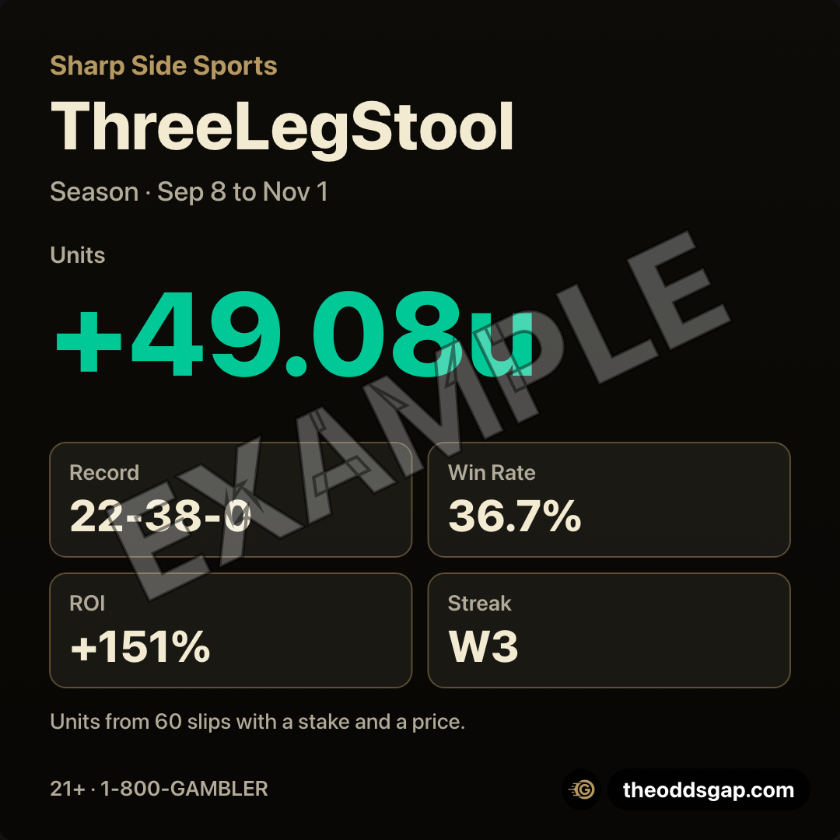
Every capper's record, units, win rate and streak, on your server's own private page.
Pictures from the demo server, Sharp Side Sports. Its cappers and bets are made up; the books and games are real.


A clean image of a record, ready to post. The owner makes server and channel cards. Each capper makes their own with /slips mylook. Members can view them.
/slips optout. Add delete:True to also delete what was recorded. /slips optin turns it back on.Free while we set it up with a small group of servers. We set it up with you.
Anyone with Manage Server adds a slip channel with one command. It posts nothing in the channel, and sends you your dashboard link and password, privately.
/slips setup channel:#pregame-slips
/slips setup channel:#mikes-picks capper:@Mike
/slips setup channel:#middle-bets record:Middle Bets middles:True
Also: /slips remove stops one channel (its slips stay), /slips channels lists them, /slips off stops them all.
Want it? Message Dan: theoddsgap on Discord, @TheOddsGap on X, or [email protected]. Already set up and have the password? Open the owner guide. New to TOG Bot? Add it to your server first.
/slips commands answer only the person who ran them. Tell your members the channel is tracked.The Slip Tracker records bets members already made. It gives no picks. 21+. If gambling stops being fun, call or text 1-800-GAMBLER.